Choosing the Best Mac for Wi-Fi Analysis
Choosing a Mac for Wi-Fi analysis isn’t as simple as comparing processors or memory configurations. When running WiFi Explorer and other professional Wi-Fi tools, the Mac’s wireless hardware and [...]

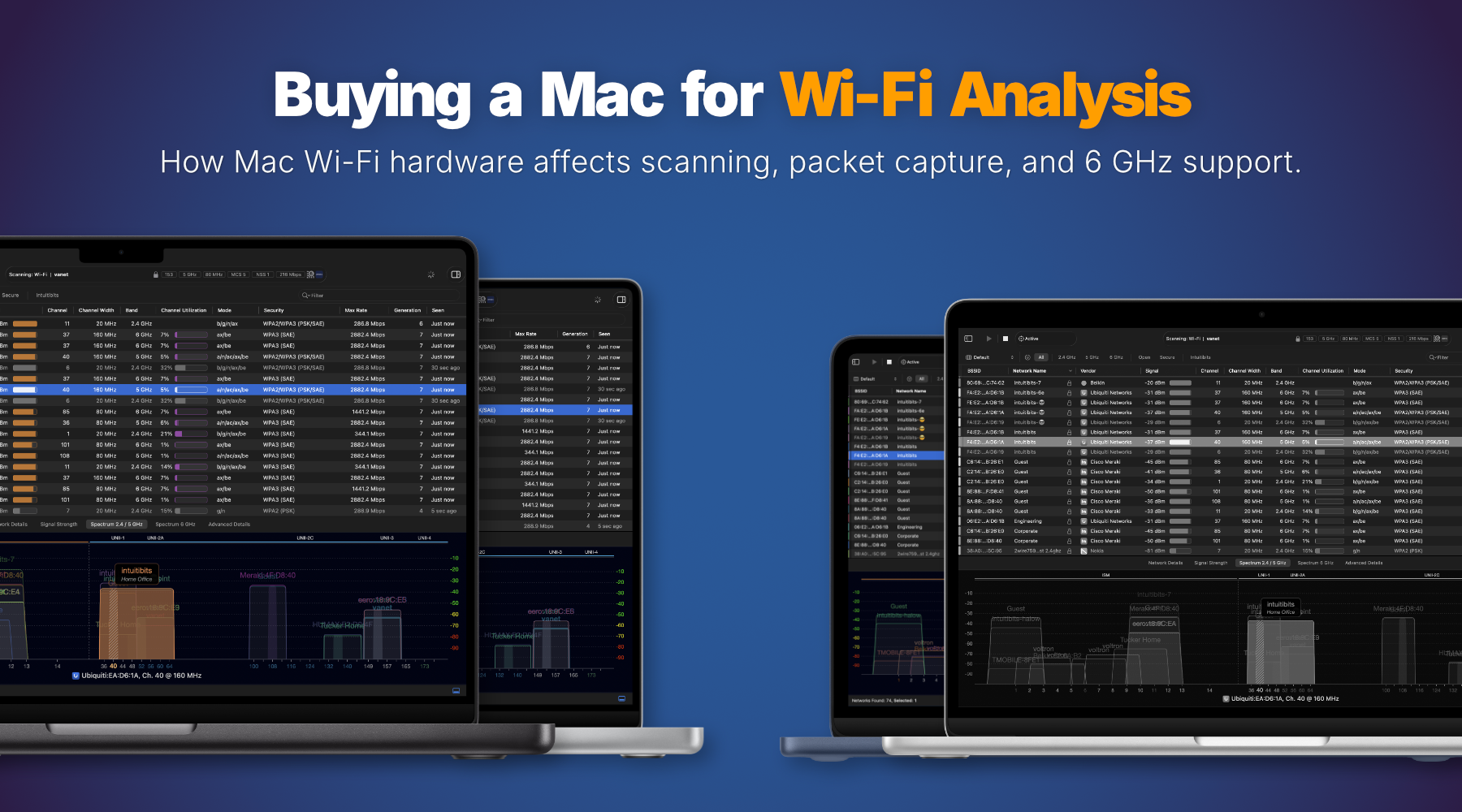
Choosing a Mac for Wi-Fi analysis isn’t as simple as comparing processors or memory configurations. When running WiFi Explorer and other professional Wi-Fi tools, the Mac’s wireless hardware and [...]

It finally happened. Apple has officially retired the airport command-line utility on macOS Sonoma 14.4. Although it was considered deprecated, the airport command was still very helpful for quickly [...]
Apple recently launched iOS 17 with new options to retrieve details about your Wi-Fi connection using Shortcuts. When adding the "Get Network Details" action to a shortcut, you can [...]
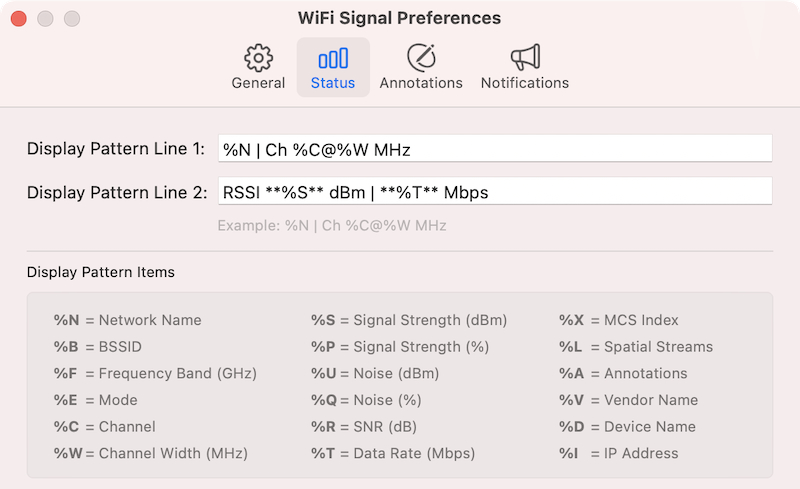
WiFi Signal is a menu bar app that lets you monitor your Wi-Fi network’s status and signal quality. When you click the WiFi Signal's menu bar icon, a popup [...]
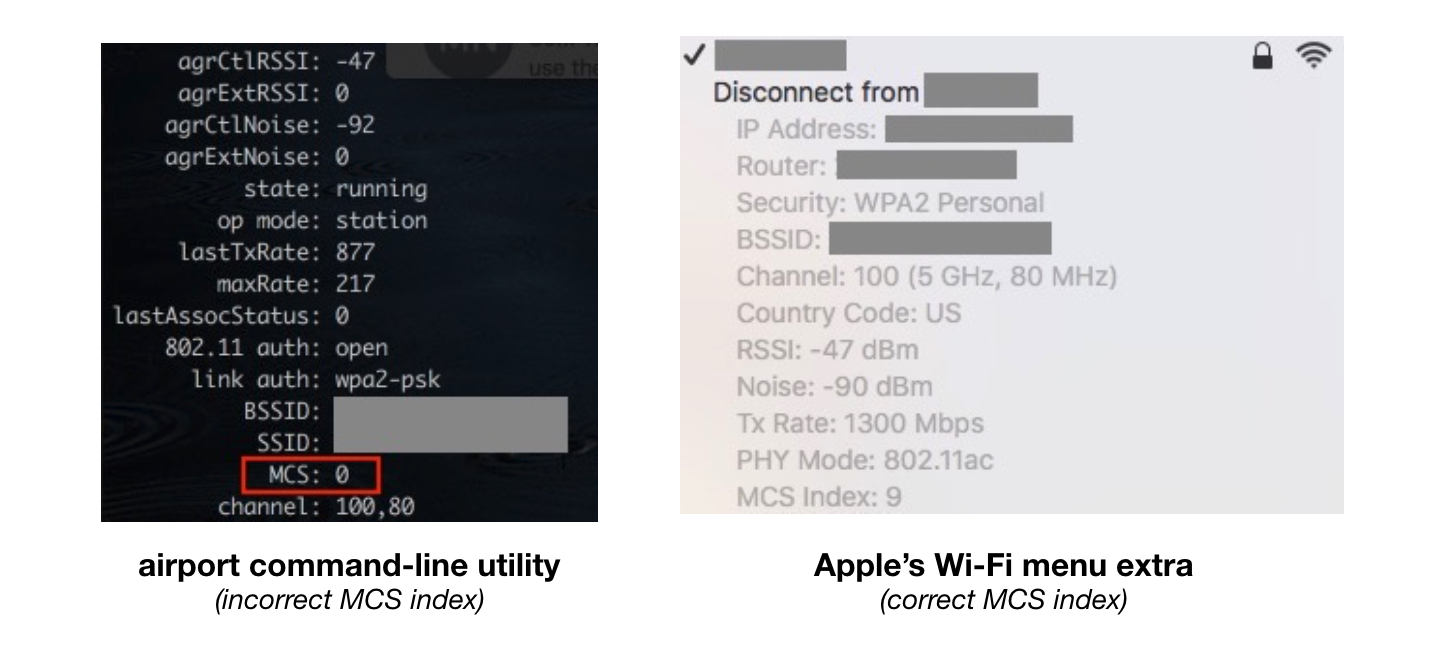
One of the many reasons we enjoy developing for Mac is that during all these years, we've encountered very few bugs in macOS. In other words, from a system [...]

WiFi Signal integrates with WiFi Explorer to import and display access point annotations automatically. In WiFi Explorer, annotations assign custom labels to individual access points. You can use them [...]
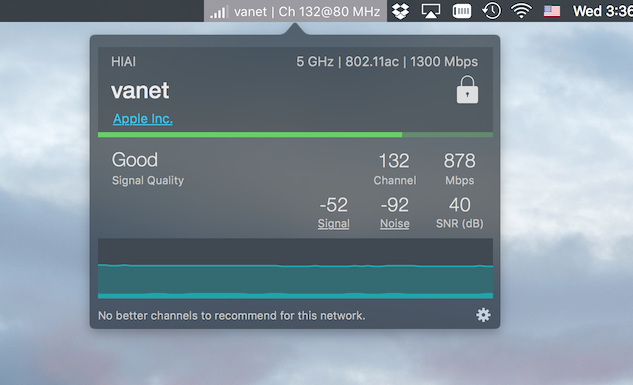
WiFi Signal 4.0 introduces several features for monitoring and troubleshooting Wi-Fi connections, including new tools for tracking association and roaming behavior. The release also includes interface improvements, dark mode [...]

Users occasionally ask why WiFi Explorer does not detect “hidden” networks. WiFi Explorer relies on Apple’s CoreWLAN framework for scanning, and CoreWLAN does not return useful information about a [...]
Built on the low threshold, high ceiling principle, our applications are easy to learn, reliable to use, and powerful enough to grow with your needs.
Copyright © 2026 Intuitibits LLC. All rights reserved. WiFi Explorer is a trademark of Intuitibits LLC.