Making Your WLAN Pi R4 Fully Portable
This post is a follow-up to our previous blog, which discussed the parts and steps to build a WLAN Pi R4 that you can use as a Wi-Fi 6E [...]

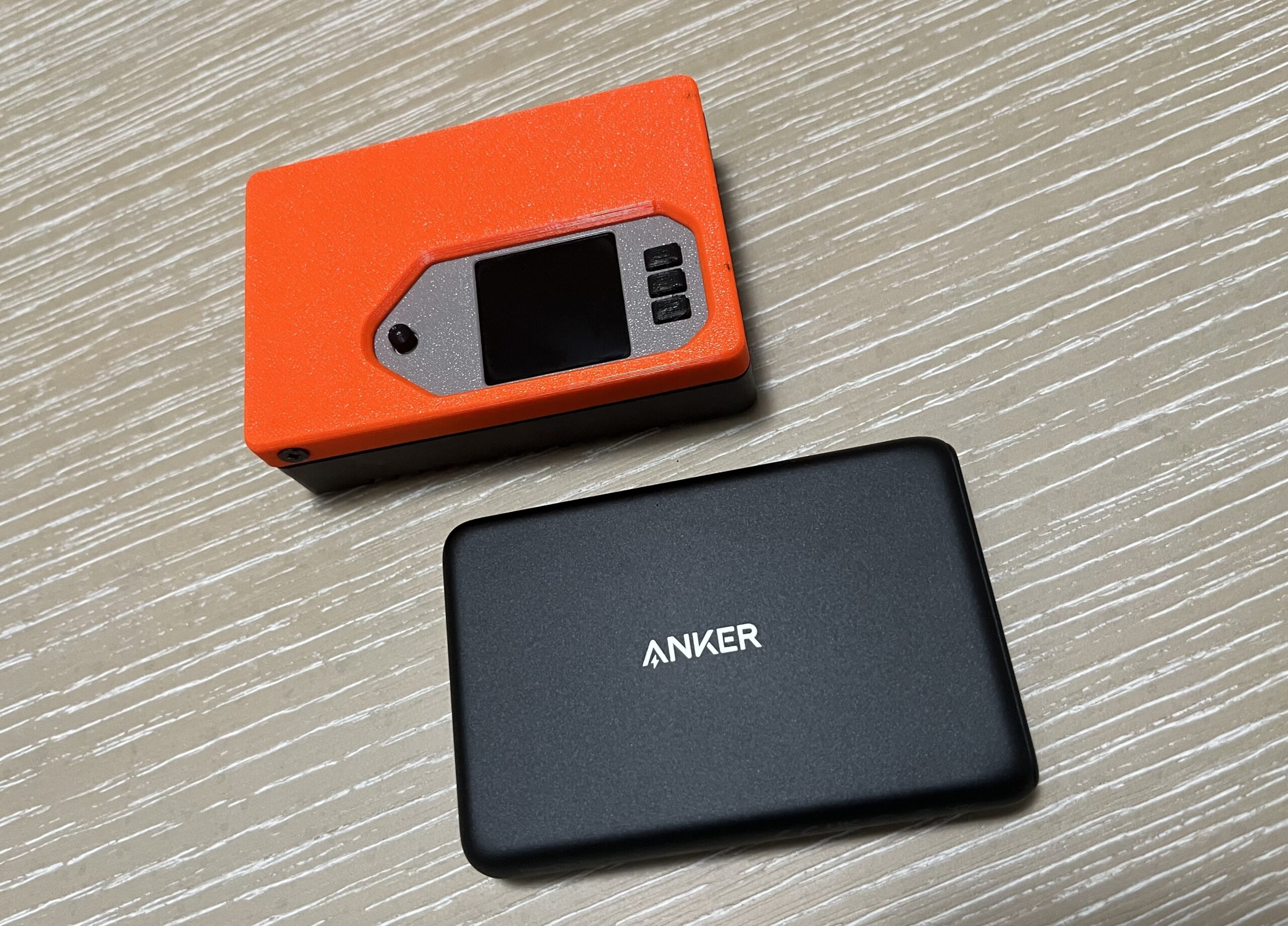
This post is a follow-up to our previous blog, which discussed the parts and steps to build a WLAN Pi R4 that you can use as a Wi-Fi 6E [...]
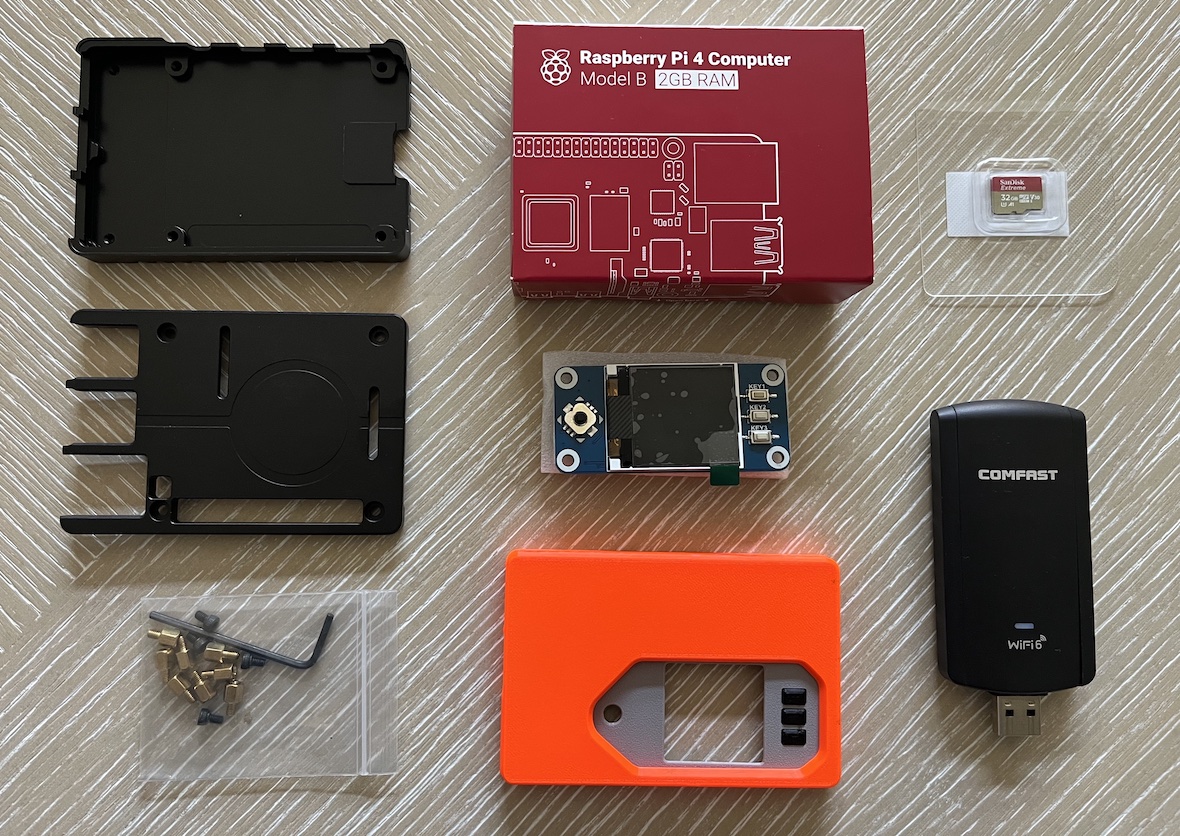
Even though Macs don't support Wi-Fi 6E, WiFi Explorer Pro 3 and Airtool 2 offer visibility into the 6 GHz band when using remote sensors that can scan or capture traffic [...]

An access point (AP) can create two or more networks on the same Wi-Fi radio. This capability, known as Virtual AP (VAP), makes one physical AP appear to be several [...]
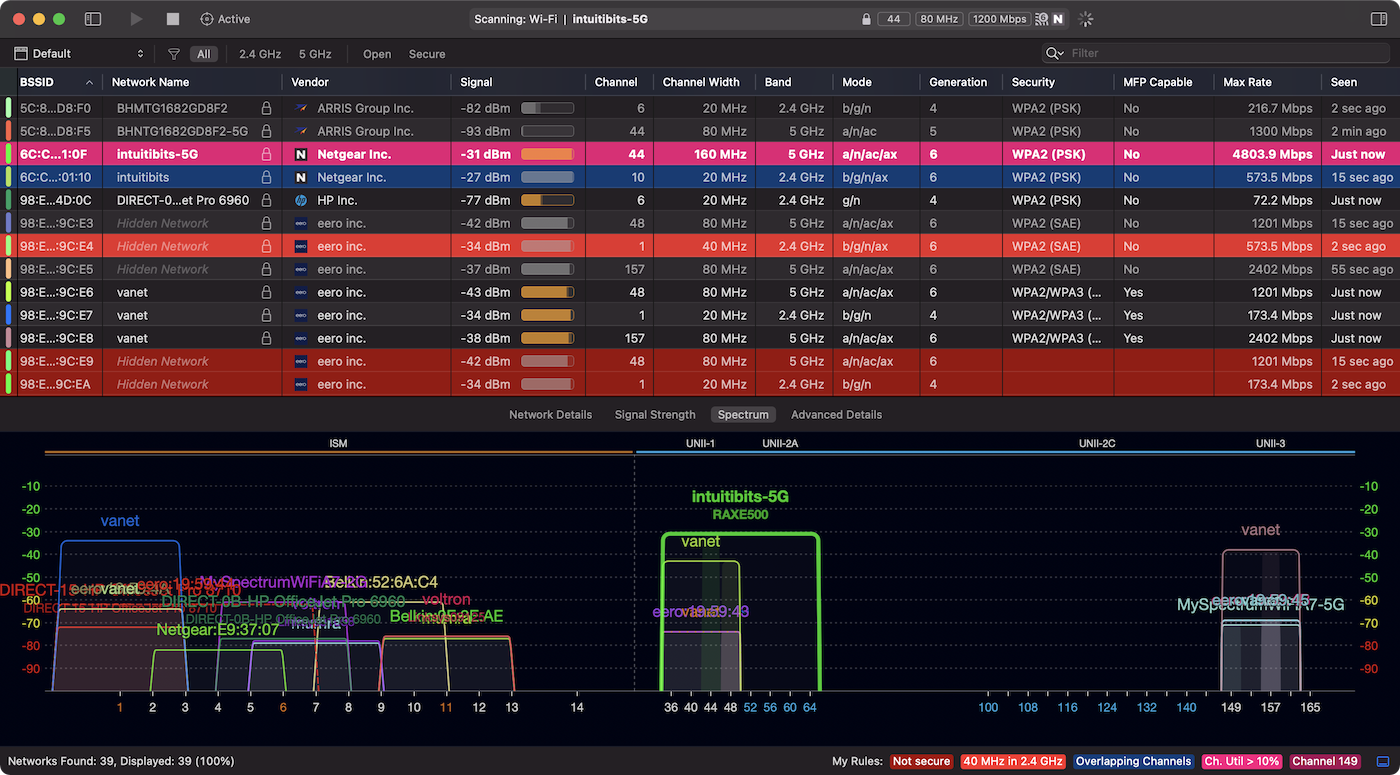
We recently revamped filtering in WiFi Explorer Pro 3 and added a new feature that we believe is very helpful: Coloring rules (WiFi Explorer Pro 3 > Preferences > [...]
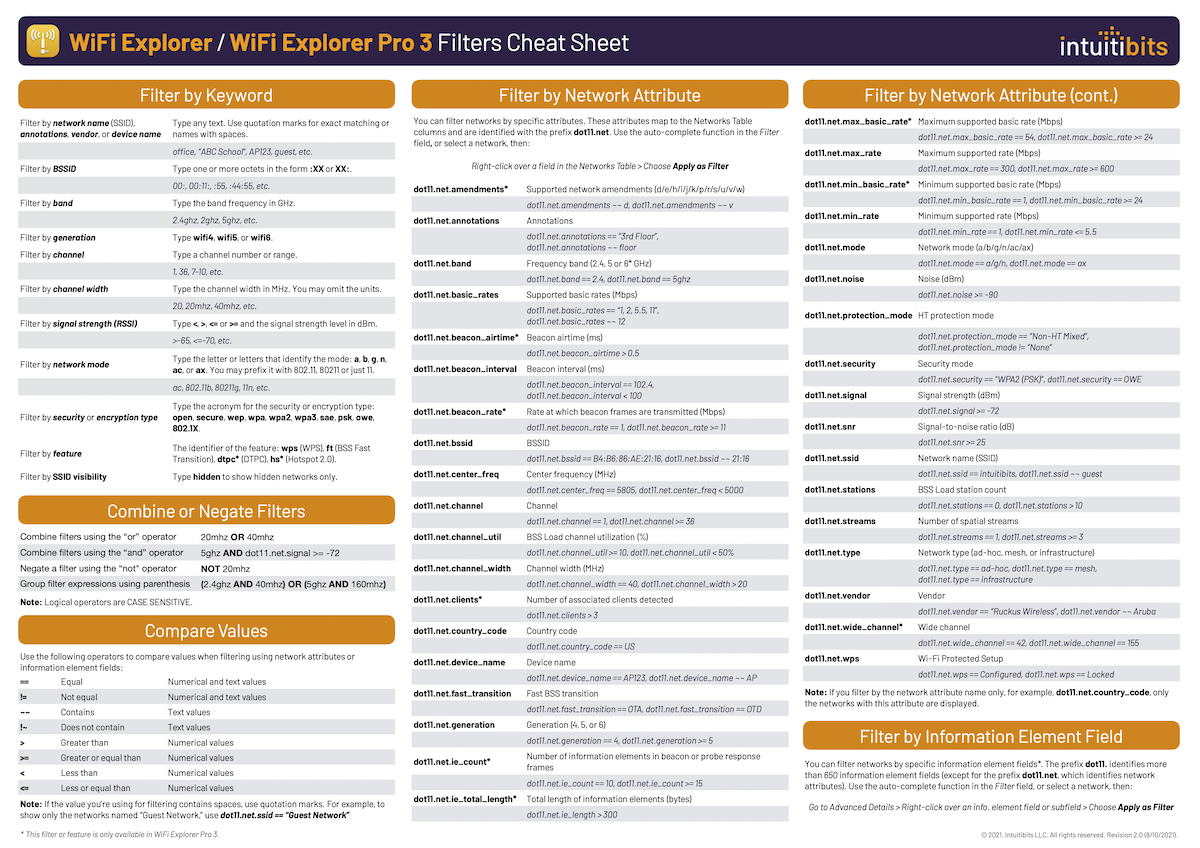
Starting in version 3.3 of WiFi Explorer and WiFi Explorer Pro 3, we've added new filtering capabilities, including the ability to filter by network attributes and information element fields. [...]
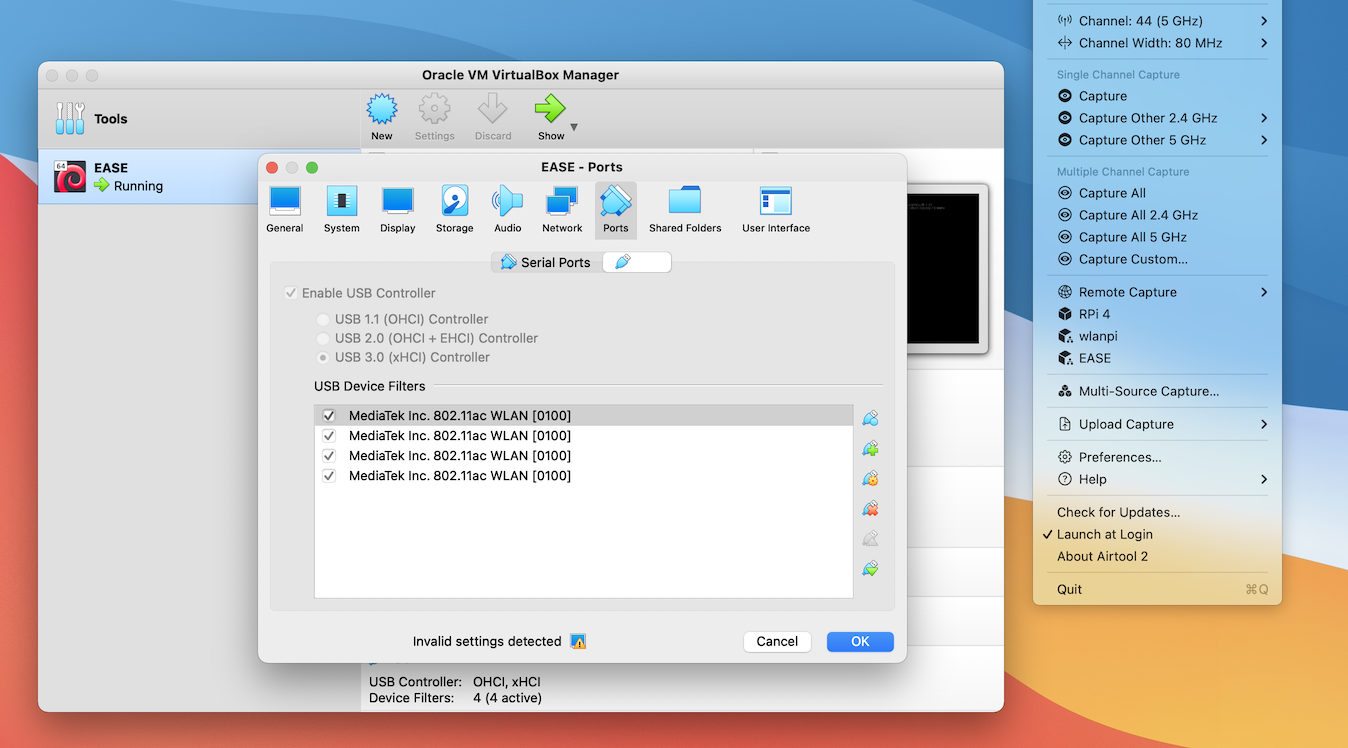
If you don't have a remote sensor, you can still do packet captures on one or more channels using external USB Wi-Fi adapters. However, because we can't use external adapters natively as we do with the Mac's built-in Wi-Fi adapter, we need EASE (External Adapter Support Environment).
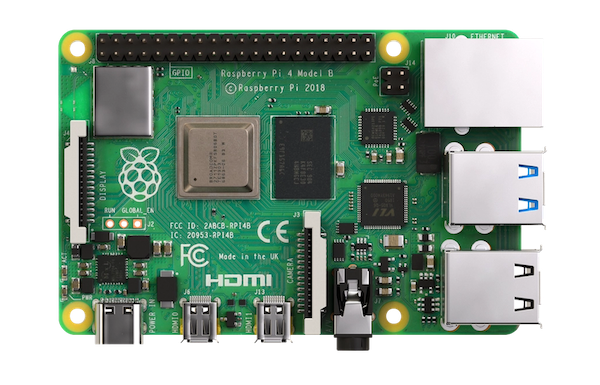
This blog post will show you how to configure a Raspberry Pi 4 with an external Wi-Fi adapter to be used as a remote sensor in WiFi Explorer Pro and Airtool. We will assume you have a fresh installed Raspberry Pi 4 using Raspberry Pi OS.

For years, packet capturing in the Mac using the built-in Wi-Fi adapter has always worked reliably out of the box, and it is one of the main reasons many Wi-Fi professionals love their Macs to do their jobs. Unfortunately, packet capturing is now broken in the new M1 Mac.
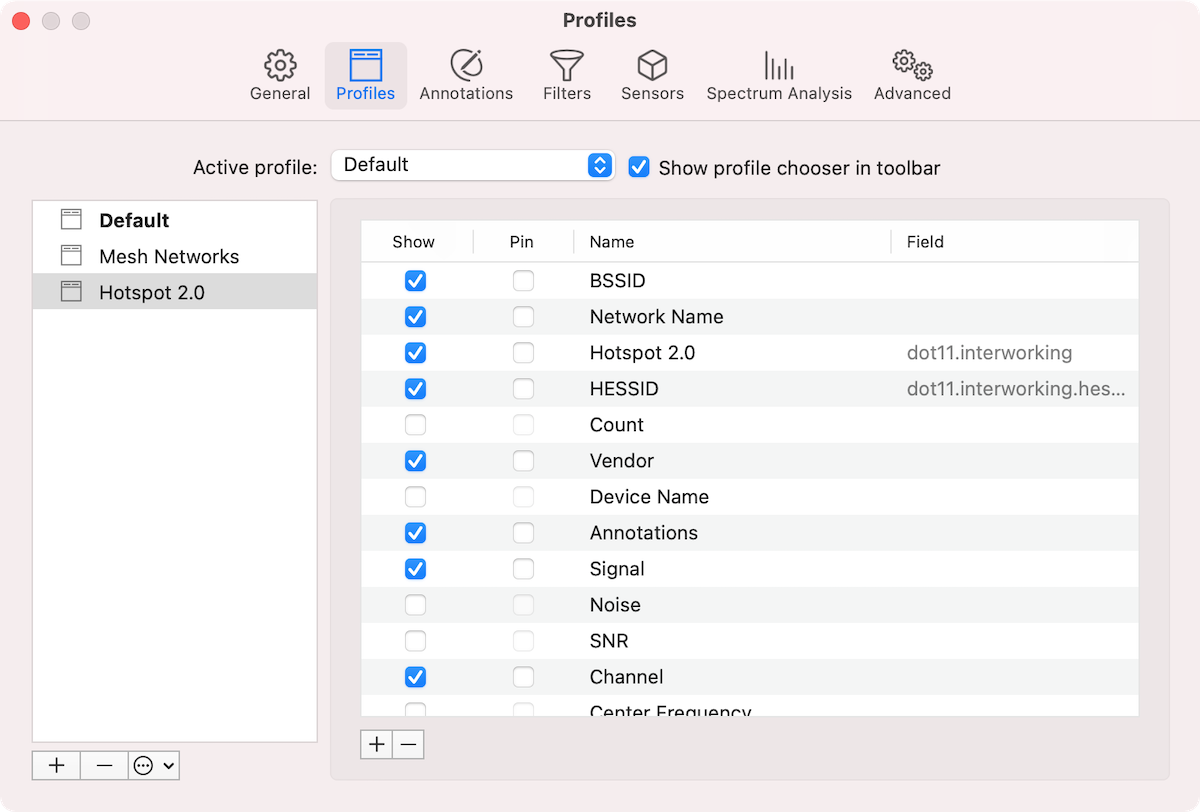
One of the useful features you can find in WiFi Explorer Pro 3 is custom column profiles. You can use profiles to define and display different sets of columns for [...]
Built on the low threshold, high ceiling principle, our applications are easy to learn, reliable to use, and powerful enough to grow with your needs.
Copyright © 2026 Intuitibits LLC. All rights reserved. WiFi Explorer is a trademark of Intuitibits LLC.